
Resources & Guides
Everything you need to get started with ChowTap QR codes
Interactive Demos
Try ChowTap features hands-on with these live, interactive demonstrations
How to Create QR Code
Learn how easy it is to create a QR code in just a few clicks. Choose from 22+ QR code types and get started in minutes.
Quick QR code creation
- Select QR code type
- Choose content format
- Generate instantly
- Download or share
How to Add Content to QR Code
Discover how to add different types of content to your QR codes - URLs, text, vCards, WiFi credentials, and more.
Content management
- Add URL or text
- Upload files (PDF, images)
- Configure settings
- Preview before creating
How to Customize QR Code
Personalize your QR codes with custom colors, logos, patterns, and styles to match your brand identity.
Complete customization
- Choose colors
- Add your logo
- Select patterns
- Adjust size and style
How to Use ChowTap Platform
Get a complete walkthrough of the ChowTap platform - from account setup to managing QR codes and viewing analytics.
Complete platform guide
- Dashboard overview
- QR code management
- Analytics & tracking
- Organization & folders
Create your QR code in three simple steps
Get started in minutes with our intuitive QR code creation process
Step 1: Choose your QR code content
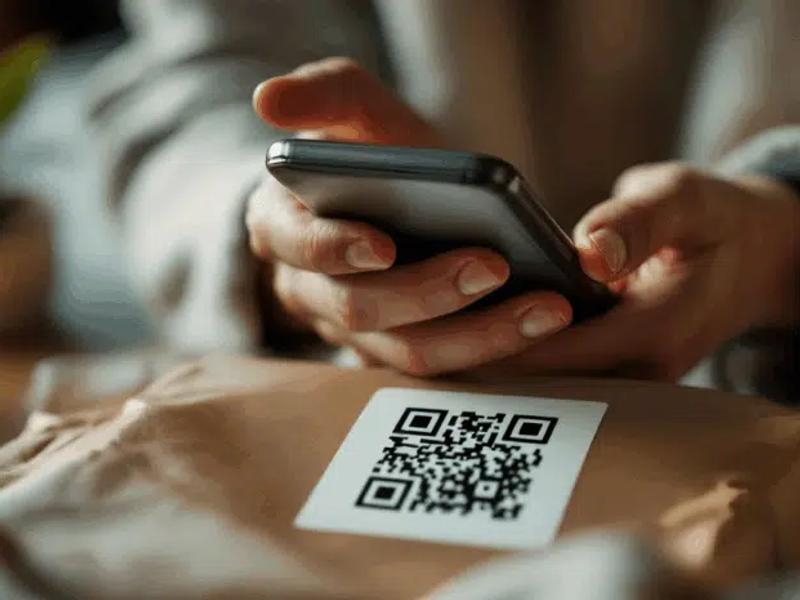
Decide what you want to share. You can use URLs, videos, apps, and more!
Step 2: Customize your design
Personalize your QR code's color, shape, and style to create a unique design that matches your brand!
Step 3: Download and share
Export your QR code in high resolution and start sharing it with the world!
Latest Blog Posts
Stay informed with guides, tips, and insights about QR codes


Frequently Asked Questions
Everything you need to know about QR codes and ChowTap
A dynamic QR code is a trackable QR code that can be edited after creation. You can change the destination URL, update content, or modify settings without needing to reprint the QR code. This makes them perfect for marketing campaigns and changing business needs.
Yes! With ChowTap's dynamic QR codes, you can edit the content, destination URL, and design settings at any time after creation. Your QR code will automatically update without needing to be reprinted, saving you time and money.
You can download your QR codes in multiple high-resolution formats including PNG, JPG, SVG, and EPS. All formats maintain the highest quality for both digital and print use, with size options ranging from 250x250 to 2000x2000 pixels.
Yes! ChowTap provides comprehensive analytics for dynamic QR codes including total scans, unique scans, geographic data, device information, and real-time tracking. You can see exactly when, where, and how your QR codes are being used.
ChowTap offers extensive customization options. You can change foreground and background colors, add your logo, choose different dot patterns (dots, squares, rounded, stars, hearts) and shapes, adjust error correction levels, and create branded QR codes that match your business identity.
Ready to get started?
Create your first QR code in less than a minute. Check out our features, explore our 22+ QR code types, or sign up to get started right away.